|
|
|
amortization.com Ltd. 905-639-0374
|
MORTGAGE2 PRO 5.1
MAIN
FEATURES
(Click here to download free tutorial)
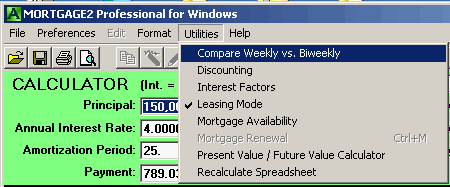
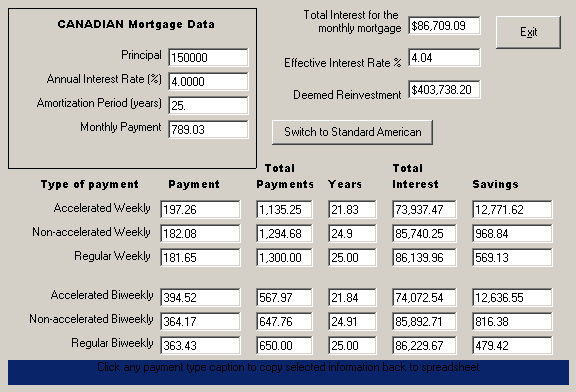
Version 5.1 has just been released. It contains a new Compare Weekly vs Biweekly mode in the Utilities Menu. The three weekly and three biweekly payment schedules are compared on a single screen to the standard monthly payment schedule showing the savings in interest. The new comparison mode screen can easily be toggled back and forth between the American and Canadian monthly payment mortgage. While in the new comparison mode screen, to quickly generate the appropriate weekly or biweekly amortization schedule just click on the payment type caption.
DESCRIPTION The ability to directly change spreadsheet payment dates
and insert an infinite number of extra dates for extra payments or extra
positive or negative prepayments (as in a builders loan advance). Automatic
interest rate differential (IRD) calculation if renewing a mortgage before
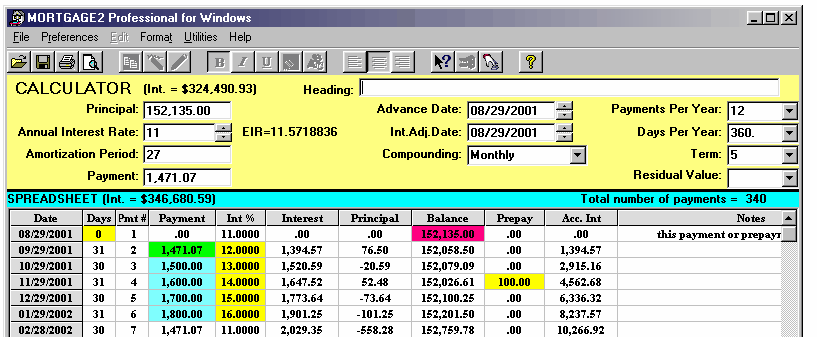
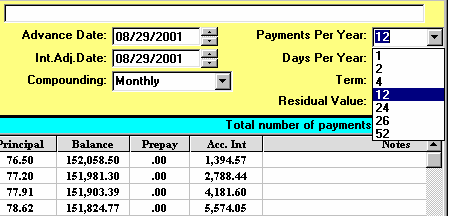
the term expires (for Canadians). Easily change payment frequency at any time in the spreadsheet
schedule and continue on with the same amortization schedule.
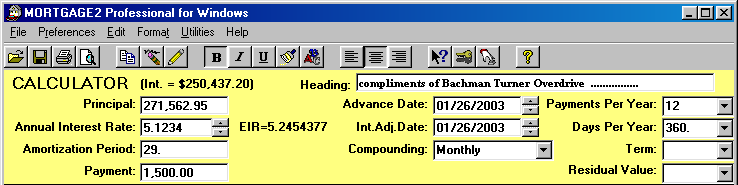
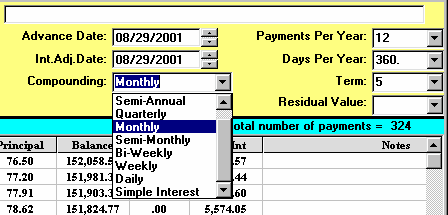
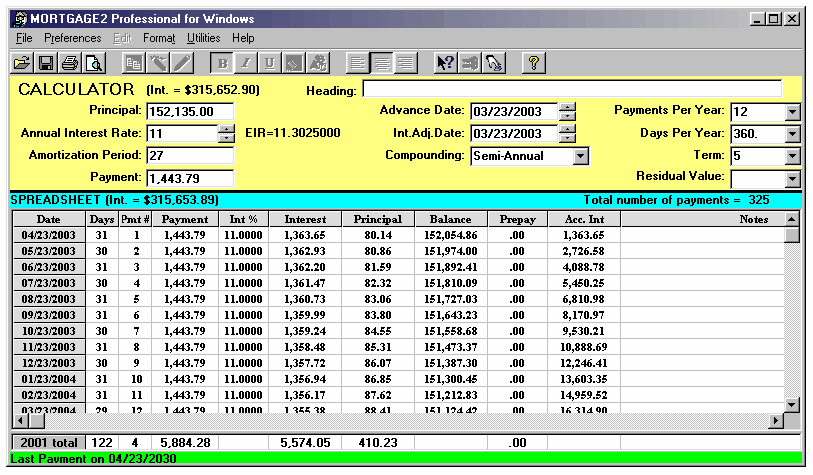
Choose any combination of payment frequency and compounding frequency. For example, you could have quarterly blended payments with weekly compounding.
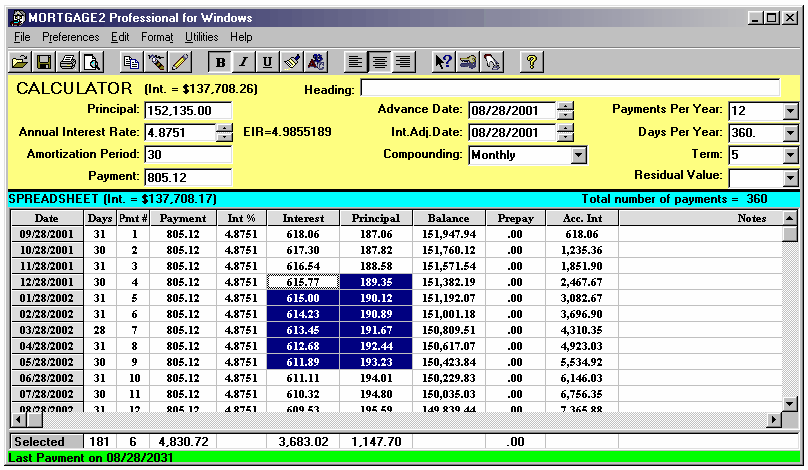
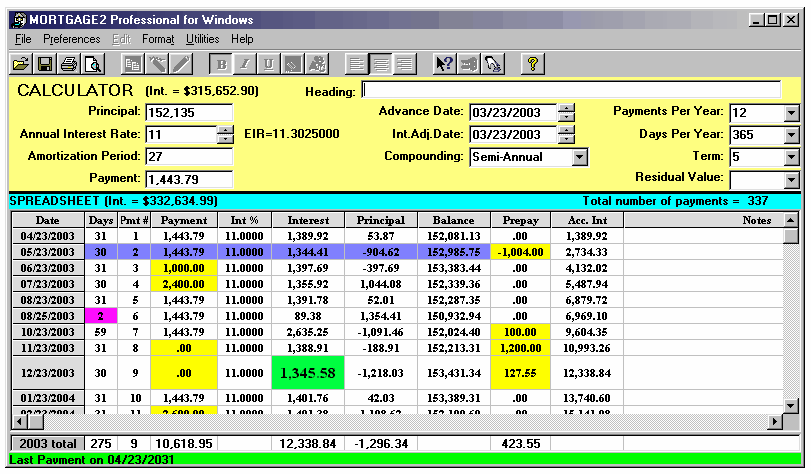
You can change any payment date in the amortization schedule spreadsheet after it has been generated, as many times as you want. You can change any payment date in the schedule and each subsequent date automatically. Late payments are easily handled by changing the date directly on the schedule and inserting a penalty (as a negative prepayment) if required. For example, you may want to change the payment date from the first of the month to the 15th day of the month and then all subsequent payments to be on the 15th of each month. This is performed with two clicks of the mouse. It will allow an infinite number of extra payments or prepayments to be inserted between regular payments. Rows can be added (inserted) or deleted via the click of an icon. It will allow an interest adjustment date in addition to the advance date. It will allow fonts, colours and attributes for each cell in the amortization schedule (spreadsheet) to be changed. All changes are automatically coloured for easy reading of a schedule. All amortization schedules are saved as standard Windows files with the extension ".m2p". File names up to 128 characters thus retrieving saved files is easy. Interest factors are available in a pop up window. Interest Rate Differential (IRD) calculations are automatically performed (for Canadians) if a renewal is done before the term expires. Yearly totals are shown and printed for all columns. A cumulative interest paid column is shown on the screen and the printed schedule. All columns and rows can be adjusted in size and fonts. |
amortizationdotcom Mortgage Calculator for iPhone Introduction to Canadian and American Mortgages Seminar on prepaying principal (Part A) Seminar on prepaying principal (Part B) Global TV Interview regarding 40 Year Mortgages
Look for this logo on the Apple Store!
|
|||||||||||||||||||||||||||
<
Go Back |













 VIDEOS